Hardware & Networking Support
We keep your systems running — fast, secure, and smooth. Repairs, upgrades, maintenance, and networking.
Hardware & Networking Services
Installation, repair, maintenance, and connectivity — for a single laptop or a whole office.
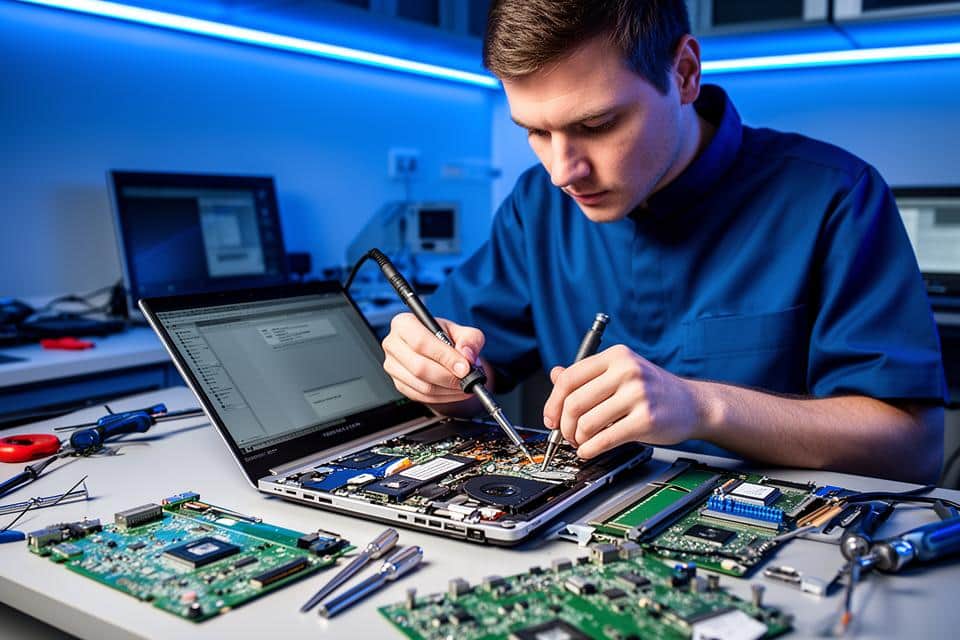
Hardware Installation & Upgrades
Targeted component upgrades that make an existing machine worth keeping.
An upgrade is usually cheaper than a replacement, and we will tell you when it is not. We check what your board and chassis actually support before recommending anything, then fit it and migrate your existing installation across so you keep your files and settings.
- Best for
- Best for: Machines that are slow rather than broken, and anyone weighing a repair against a replacement.
- RAM installation & upgrades
- SSD/HDD installation, cloning & migration
- Laptop storage upgrade (SATA/M.2/NVMe)
- Graphics card (GPU) installation & optimization
- Power supply (PSU) replacement
Works with
- RAM
- SSD & HDD
- M.2 / NVMe
- SATA
- GPUs
- Power supplies
- Motherboards
- CPUs
- Case fans
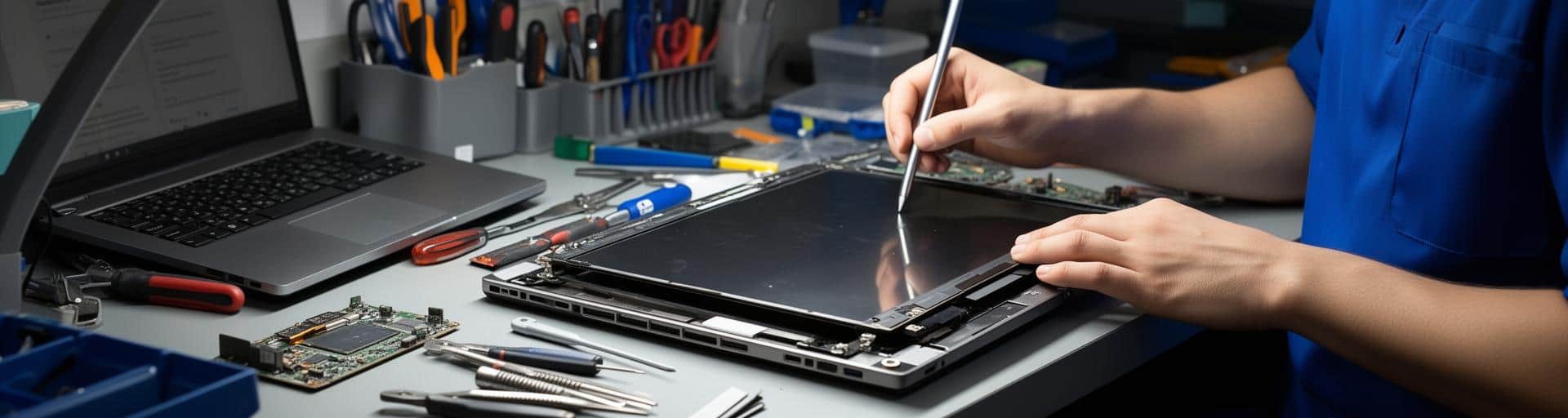
Laptop & Desktop Repairs
Physical faults diagnosed properly and fixed once — screens, hinges, ports, and boards.
Diagnostics are free and come before any quote, so you know what is wrong and what it costs before committing. Where a board-level repair is possible we will attempt it rather than defaulting to a full replacement part, and we will say plainly when a machine is not economic to repair.
- Best for
- Best for: Dropped laptops, liquid spills, cracked screens, and machines that no longer charge.
- Laptop screen replacement (LED, LCD, IPS)
- Broken hinges & casing repair
- Keyboard replacement (water damage, broken keys)
- Trackpad repair & replacement
- Charging port (DC jack) repair
Works with
- LED / LCD / IPS panels
- Hinges & casings
- Keyboards
- Trackpads
- DC jacks
- Motherboards
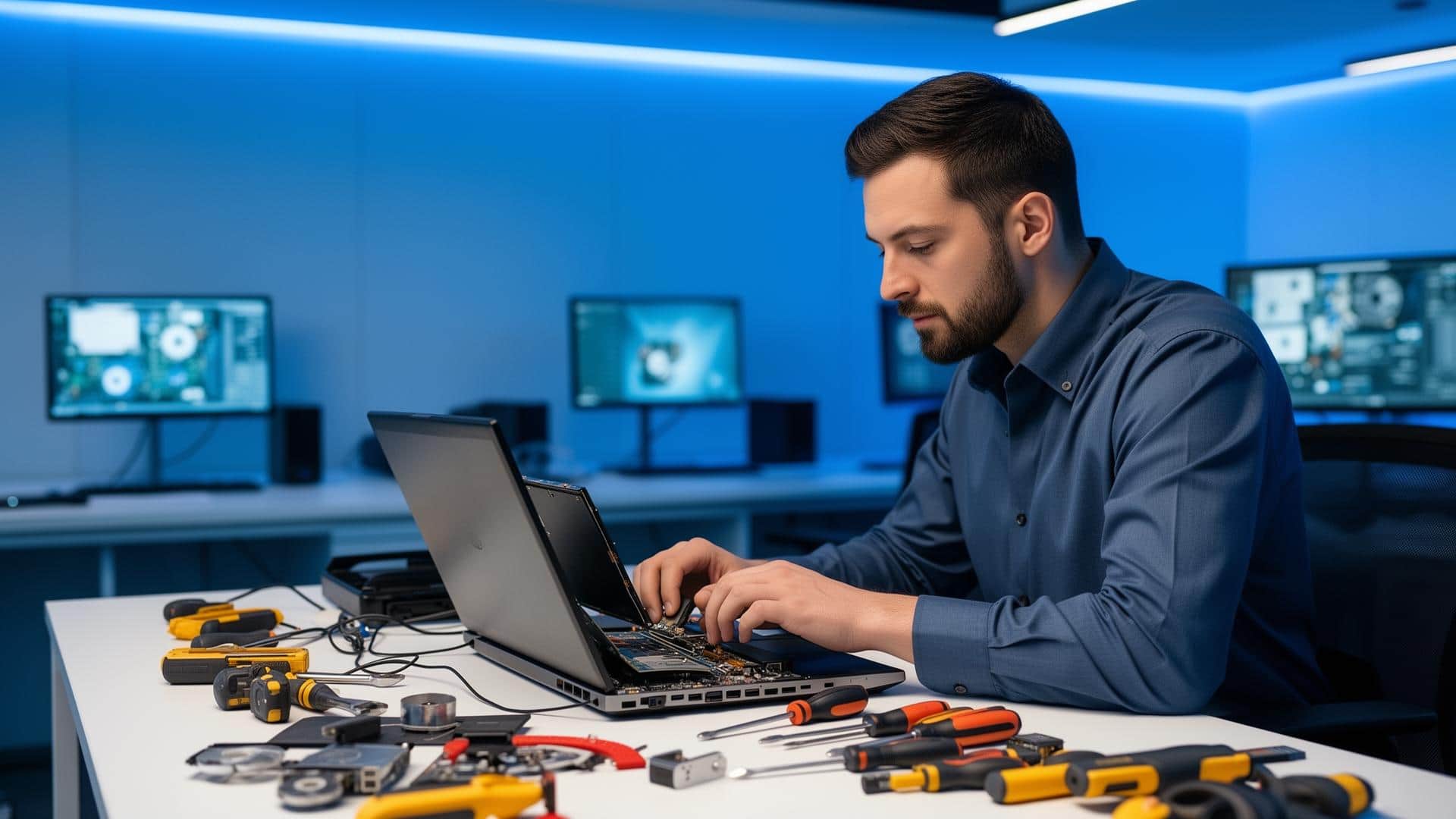
Cleaning & Preventive Maintenance
Scheduled cleaning that stops heat quietly shortening the life of your machines.
Dust is the most common cause of thermal throttling and fan failure, and it is entirely preventable. A full strip-down, fan service, and thermal paste replacement typically restores performance that owners had written off as the machine simply getting old.
- Best for
- Best for: Machines running hot or loud, and offices wanting a maintenance schedule rather than emergencies.
- Full internal cleaning & dust removal
- Fan cleaning & lubrication
- Heat sink cleaning & thermal paste replacement
- Laptop cooling pad setup
- Airflow optimization for desktops & gaming PCs
Works with
- Thermal paste
- Cooling fans
- Heat sinks
- Cooling pads
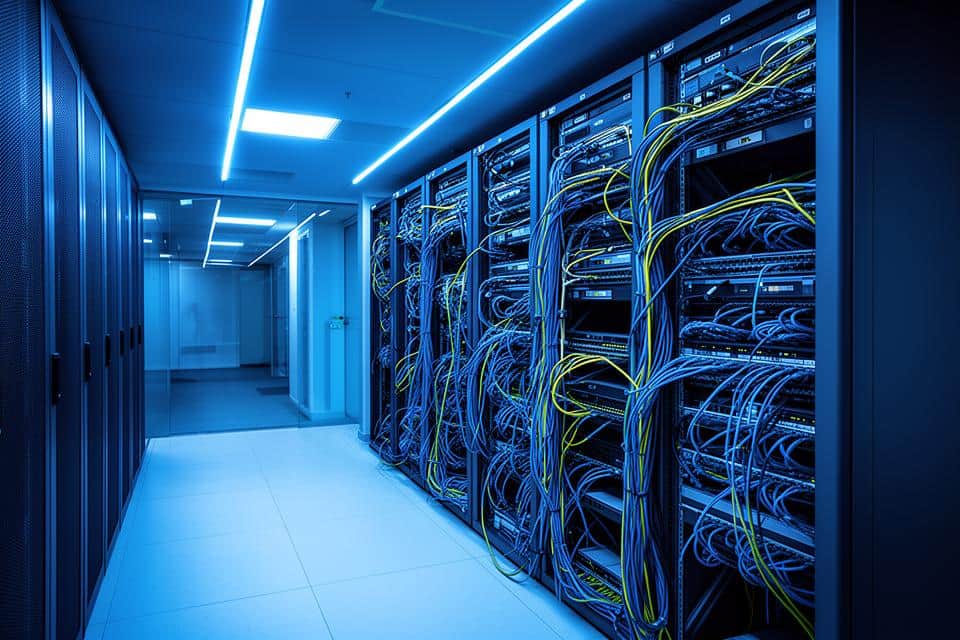
Networking & Connectivity
Wi-Fi and cabling that reach every room and hold up when everyone is online at once.
We survey where the signal actually drops rather than guessing from the router, then fix it with placement, channel configuration, cabling, or additional access points as the building requires. Structured cabling is labelled and documented, so the next person to work on it is not starting from scratch.
- Best for
- Best for: Offices with dead zones, dropped connections, or a new floor to wire.
- Wi-Fi setup, configuration & troubleshooting
- Router installation & optimization
- LAN cabling & Ethernet setup
- Network speed optimization & diagnostics
- Internet connection troubleshooting
Works with
- Wi-Fi routers
- Access points
- Ethernet / LAN
- Structured cabling
Peripheral & Device Setup
Printers, scanners, and displays connected, shared, and actually working for everyone.
Most peripheral problems are driver and sharing configuration rather than faulty hardware. We set the device up once, share it correctly across the machines that need it, and leave the settings documented so a new laptop can be added without another call-out.
- Best for
- Best for: Shared office equipment, new starters, and home workers setting up a second screen.
- Printer installation, setup & troubleshooting
- Scanner setup & calibration
- Monitor setup (dual display, resolution issues)
- External hard drive & SSD setup
- Webcam, microphone & speaker installation
Works with
- Printers
- Scanners
- Monitors
- External drives
- Webcams
- Bluetooth adapters
Advanced Hardware Support
Board-level diagnostics and firmware work for faults that defeat a parts swap.
When the obvious replacements have not fixed it, the fault is usually on the board or in firmware. We run component-level diagnostics on memory, processor, and graphics to isolate it, and can recover data from drives that are failing but not yet dead.
- Best for
- Best for: Intermittent faults, machines other workshops have returned unfixed, and drives showing SMART warnings.
- BIOS/UEFI configuration & updates
- Firmware upgrades for hardware components
- Hardware diagnostics (RAM, CPU, GPU tests)
- Data migration between failing drives
- Motherboard-level repairs (short-circuit, IC issues)
Works with
- BIOS / UEFI
- Component firmware
- RAM / CPU / GPU diagnostics
- Failing drives
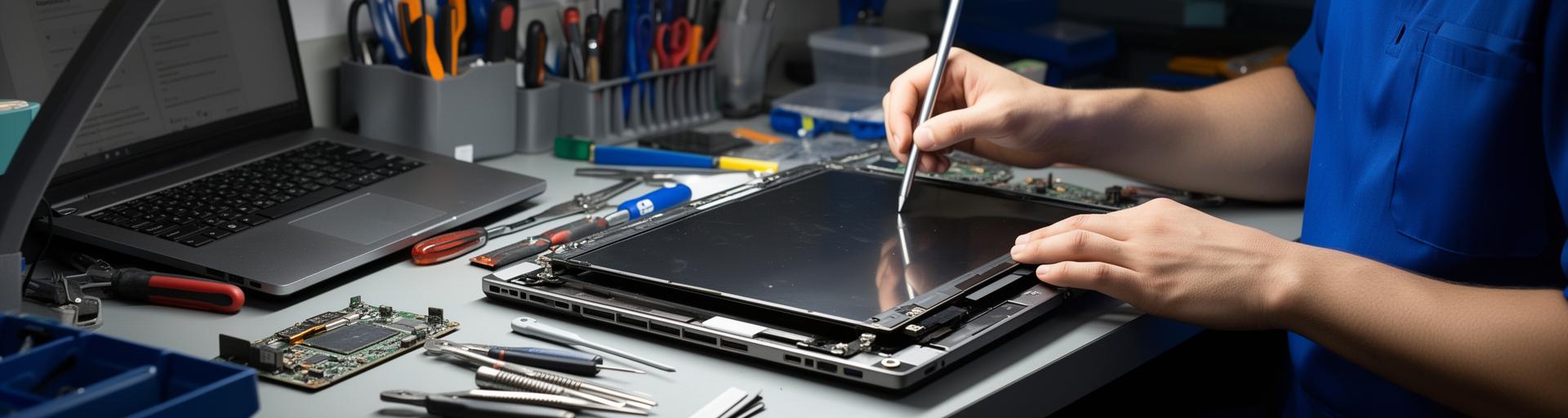
Diagnosed Properly, Fixed Once
Free diagnostics before any repair work begins.
Need Something Fixed?
Tell us what's wrong and we'll diagnose it — no charge for the assessment.